Debbie Smith, Educational Technology
Office: 512-732-9100
  • Home
  • About Me
  • Mustang Blog
  • Coding
    • Hour of Code: Students >
      • Hour of Code Map
      • Hour of Code Video
      • 5 Reasons to Learn to Code
      • First Grade Coding Activity
      • Hour of Code Activities for 2-8
    • Hour of Code : Teachers
  • Resources
    • Staff Resources >
      • Eduphoria
    • Student Resources
    • Apps >
      • Apple Classroom
      • Book Creator Comic Pages
      • BrainPop Class Creation
      • Brainstorming Apps >
        • Notability
      • Nearpod
      • Padlet
      • Scratch
      • Strip Designer
      • Symbaloo
    • iPad Contracts
    • Making and Using QR Codes >
      • What is a QR Code?
      • Using QR Codes in the Classroom
      • Making QR Codes
      • QR Code Resources Page 1
      • QR Code Resources Page 2
    • The Juno System (courtesy of Marianna Husain)
    • Stop Motion Video
    • Thnglink >
      • Thinglink for iLeap
    • Twitter
    • Weebly
  • EISD Ed Tech Website
  • EE Learning Lab
  • EE Home Page

It's a Small, Small World

11/25/2013

0 Comments

 
Today, we had some visitors to our campus from the land down under. Thanks to Lisa Johnson and Tim Yenca for orchestrating this visit and to Lance Matus, Jennifer Wolff and Laura Wright for allowing us to spend time in their classrooms with these special visitors. 

This all started when an Australian Apple Rep contacted a U.S. Apple Rep about a group of Australian principals who wanted to see iPad integration in action. This contact culminated in our visit today and it couldn't have been more pleasant for all involved.

We started in Laura Wright's room where the students were using Legos to create a structure. Next they used some special graph paper to help them calculate the perimeter and area of the structure, and then they created  an iMovie of the steps involved in the process. 

We moved on from there to Jennifer Wolff's class where her First Graders had taken photos of objects that demonstrated the concept of "push" and "pull" and compiled those pictures in the Pic Collage app. Once in the app, the students used the text tool to label each picture and then they saved the collage in the Camera Roll. 

Last, but not least, we went to Mr. Matus's Fifth Grade Science class where Lance had his students taking pictures of examples of refraction and reflection and labeling those. 

Here are a few pictures from today's event. Thanks to all who made it happen!

0 Comments

Gmail + Parents = a Powerful Writing Tool 

11/13/2013

1 Comment

 
Picture
I love this creative use of Gmail that Laura Wright told me about today. Here are the details:

#1. The class spent about 30 minutes adding their parent emails into the "contacts" on the iPad, and adding Laura as well.  Those are the only people in their contacts. 

#2 Everyone puts in "mom" as the first name of their mom and "dad" as the first name of their dad, and Laura's first nam is "Miss". This makes it easier for students to autofill their parents's names when sending an email.

#3 Laura is "CC'd" on every email that goes out.

#4 Students cannot hit "send" without Laura's permission. They use their paper dictionaries and ask Laura to help with spelling, so editing is an important part of this process. 

#5 The class checks email everyday quickly at a certain time.  They usually don't respond, unless it is a special project. For example, she has her students send reminders to their parents before a field trip so parents don't need to respond to them.

#6 They use this as a writing grade.  They read something, such as Time For Kids, and take a photo of something in the article and email it out.  They have to write 3-4 sentences about it what they have read.   

#7 Laura prints out the email and grades it for spelling, grammar and punctuation!

#8 Parents respond and the best part of all of this is the questions that the parents are asking their student about his/her writing and the answers that those questions evoke in her students. 

Not only do these activities promote good writing, but they are a great means of parent/teacher/student communication. 

Thanks for sharing, Laura!

1 Comment

Today I Want to Be...

11/10/2013

0 Comments


Shannon Lojo's class took some time out to think about their future last week. Shannon challenged them to decide what they wanted to be when they grew up. Knowing how frequently that goal changes when you are in the Second Grade, she had them date their work. Brilliant. 

They opened Pages, inserted a "selfie" and began their writing. Here are the results. 

0 Comments

Tech Forum 2013

11/7/2013

1 Comment

 
Tech Forum is something that I look forward to every year. Tech Forum is, according to their website's description, "a high powered, one-day event" which "provides K-12 decision makers with thought-provoking content on the hottest topics of the day in education technology". I love the size of the event and the fact that it offers no concrete answers, just lots of food for thought. 

This year, EE tried a new approach to our choice of conferences to attend. In the past, this campus has sent representatives to just one conference: TCEA. Last year, interest in that conference waned, so we decided that it might be time to branch out and try another conference. I chose this one for us because it offers not just a unique learning experience, but lots of opportunities to network with educational technology advocates from all over Central Texas. I emailed the offer out on a Saturday and in no time, I had 5 willing participants. 

This year's event took place today at the Airport Hilton and I have to say that I enjoyed it as much or more than any of the previous Tech Forums that I have attended. The presentations were thought provoking and the company was delightful. I haven't had time to check with the other EE reps yet, but from my point of view, it was a day well spent. 

Here is a brief summary. 
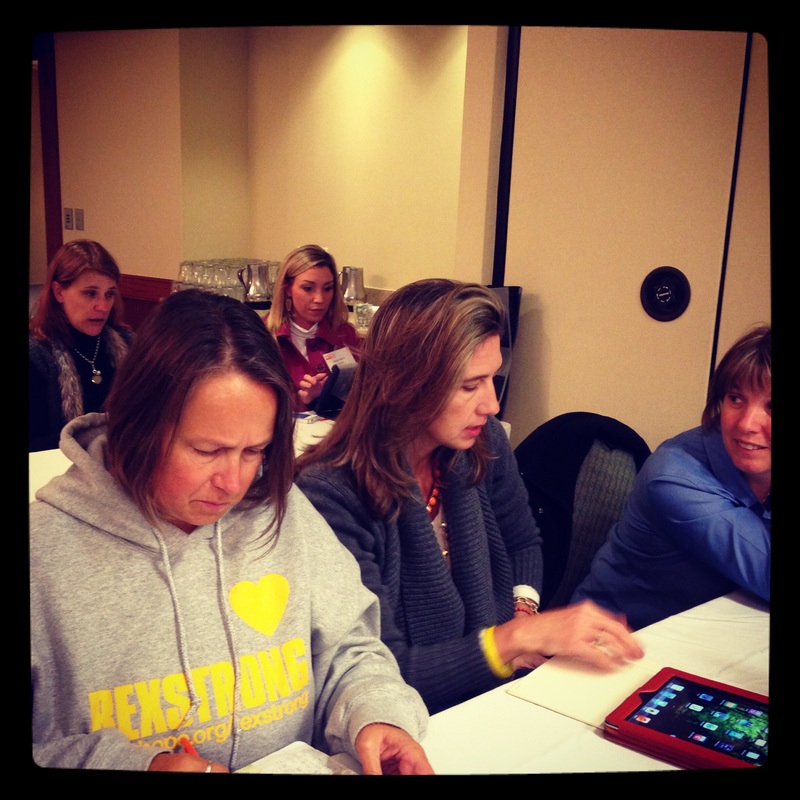
Picture
The EE teachers attended a session on Technology in the Early Grades. 
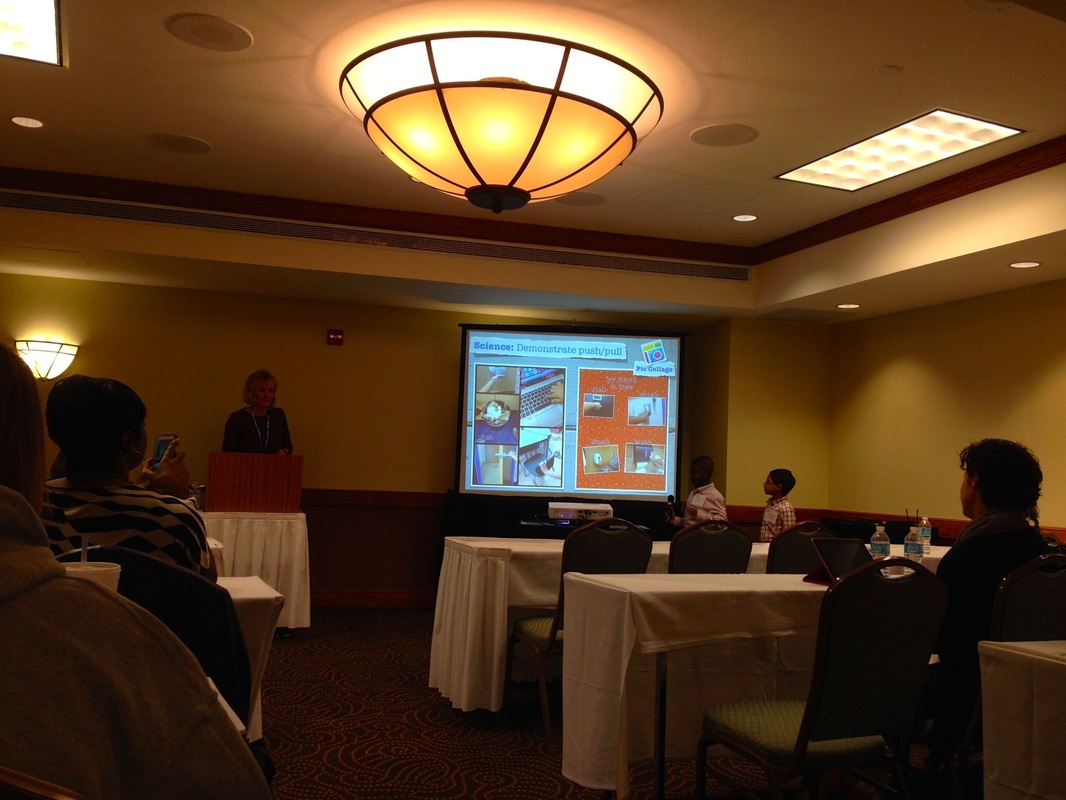
Picture
Lisa Carnazzo, a teacher from Las Lomas Elementary School in North East ISD, brought two of her students to help her talk about what technology integration looks like in her classroom. 
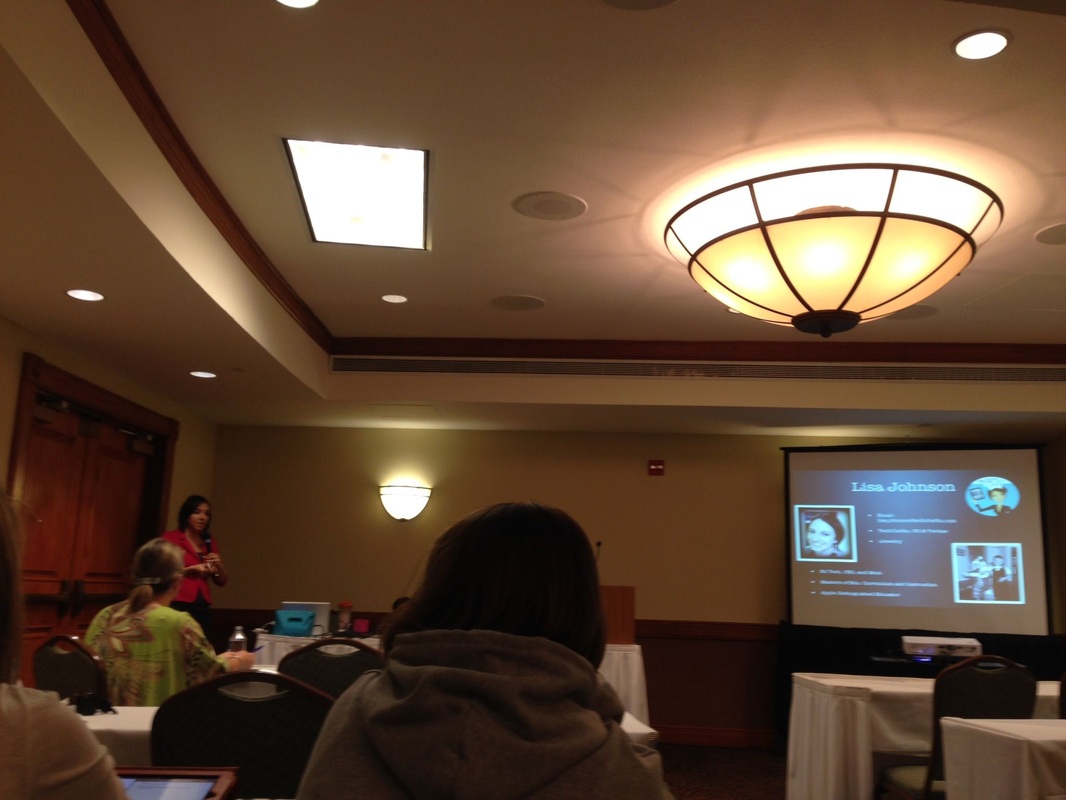
Picture
EISD Ed Tech Lisa Johnson joined Lisa Carnozza, giving a parent's point of view. 
Picture
Adam Bellow gave the keynote titled "A Funny Thing Happened on the Way to the Future". In this picture he is sharing his Google Glasses with fellow attendees. 
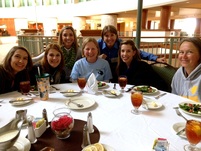
Picture
The EE gang enjoying lunch. 
Picture
EISD Ed Tech Juan Orozco on the role of technology and engineering in today's classroom. 
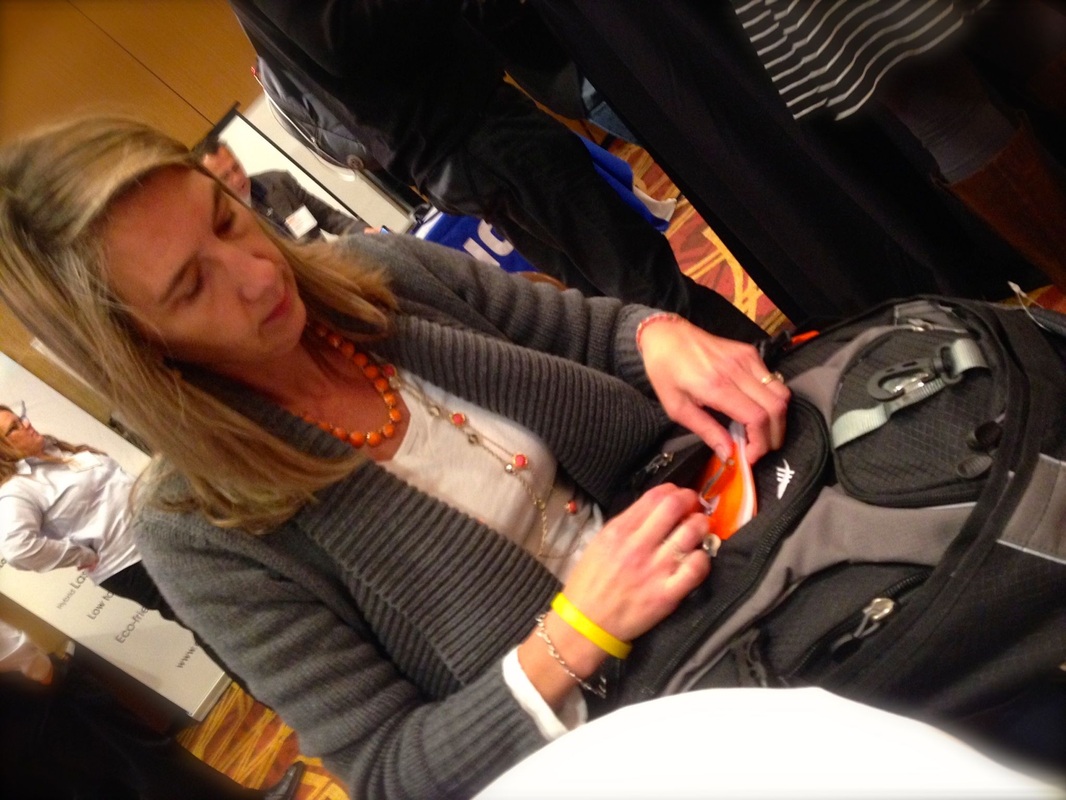
Picture
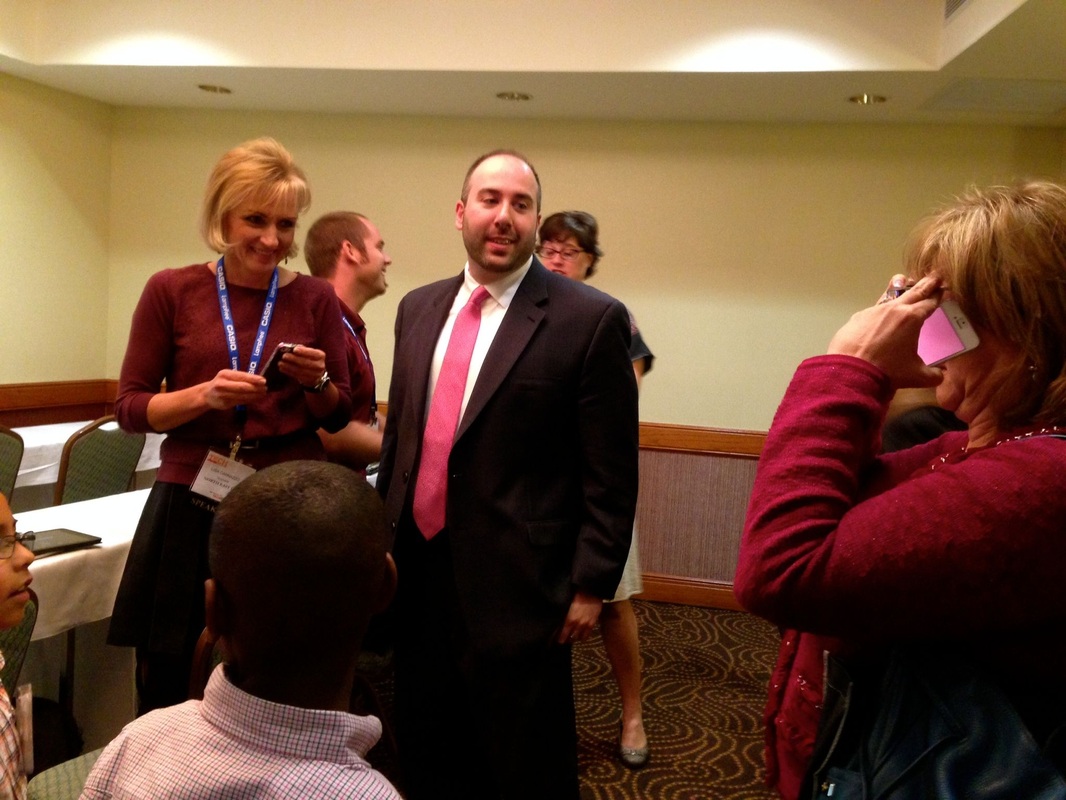
The day ended with a social hour that included a drawing. Nicole David won a backpack and...
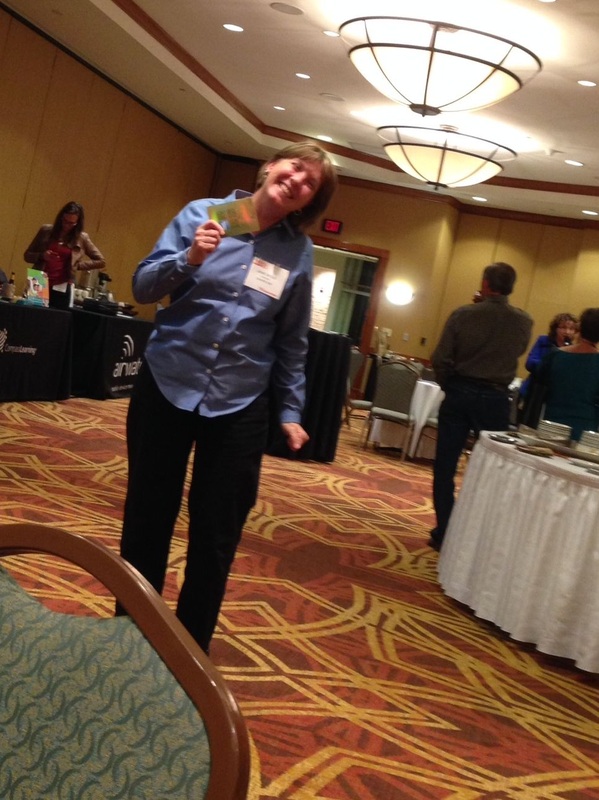
Picture
...Jane Wold won an Amazon gift card. 
1 Comment
    Picture

    Debbie Smith

    Educational Technologist
    Eanes Elementary School

    Categories

    All
    Apple Classroom
    Apple TV
    Art
    Book Creator
    Dash
    Ebckpack
    Everyday Math
    Face Time
    Fifth Grade
    First Grade
    Fourth Grade
    Gmail
    IBook Author
    ILeap
    Ipads
    Keynote
    Kindergarten
    Math
    Memes
    Nearpod
    Notability
    Pages
    Paper 53
    Plickers
    Post It Plus
    Professional Development
    Project Based Learning
    Puppet Pals
    Scribble Press
    Second Grade
    Showbie
    Socratic Seminar
    STEAM
    Stop Motion
    Strip Designer
    Technology Conferences
    ThingLink
    Third Grade
    Three Ring
    Timeline
    TurboCollage

    Archives

    January 2018
    December 2017
    November 2017
    October 2017
    September 2017
    July 2017
    May 2017
    April 2017
    March 2017
    February 2017
    January 2017
    November 2016
    October 2016
    September 2016
    July 2016
    June 2016
    May 2016
    April 2016
    March 2016
    February 2016
    January 2016
    December 2015
    November 2015
    October 2015
    June 2015
    May 2015
    April 2015
    March 2015
    February 2015
    January 2015
    December 2014
    September 2014
    August 2014
    June 2014
    May 2014
    April 2014
    March 2014
    January 2014
    December 2013
    November 2013
    October 2013
    September 2013
    August 2013
    June 2013
    May 2013
    April 2013
    March 2013

    RSS Feed

    Counter for tumblr
    Website Stats